Learning in Action
From designing interactive courses to improving processes and using data to guide decisions, my goal is always the same, to help people learn better so they can perform at their best.
Due to the proprietary nature of my work and the companies I’ve worked with, samples are not publicly available.
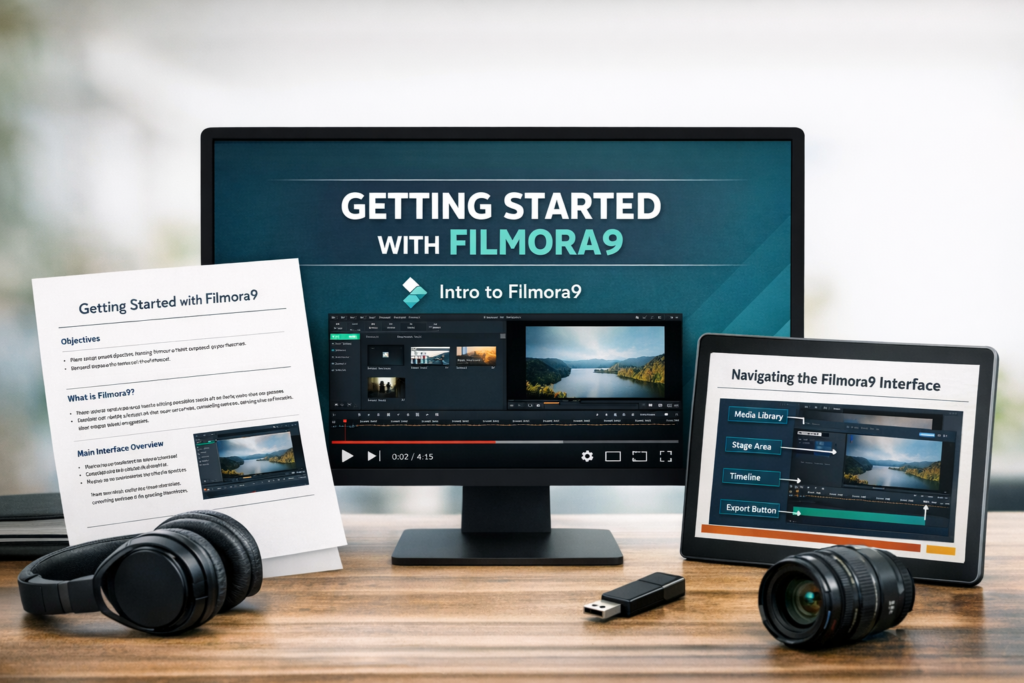
Getting Started with Wondershare‘s Filmora9 Training Series
This ongoing project showcases my approach to designing and developing effective learning materials through a multi-format training solution. The project includes a training handout, instructional video, and PowerPoint presentation, all designed to support learners with varying experience levels and learning styles.
Tools Used
Wondershare Filmora 9, Microsoft Clipchamp, Word, PowerPoint
The Challenge
The goal of this training is to introduce users to Wondershare Filmora 9 and provide clear, step-by-step guidance on navigating the interface and performing basic tasks. The content is structured to be concise, easy to follow, and immediately applicable.
My Approach
This project reflects my focus on:
- Clear, concise language
- Structured, step-by-step instruction
- Supporting multiple learning styles through blended content (video, written, and visual)
- Creating practical, task-based learning experiences
The materials are intentionally designed to be direct, user-friendly, and accessible, ensuring learners can quickly understand and apply the concepts.
The Solution
- Link to PDF Handout
- Link to Mp4 Video
- Link to PowerPoint Presentation (Coming Soon)
The Impact
The materials are intentionally designed to be direct, user-friendly, and accessible, ensuring learners can quickly understand and apply the concepts.
This is an ongoing personal project, with additional modules and enhancements planned.
Articulate Rise Content Governance & “Librarian” Model
Designed and implemented a content management process for Articulate Rise to prevent loss of training materials and improve long-term maintainability across multiple business units.
Tools Used
Articulate 360 Rise, SharePoint
The Challenge
Articulate Rise content is tied to individual user accounts. When employees left the organization without transferring ownership, critical training materials were lost. As a result, teams were often forced to recreate courses from scratch, leading to inefficiencies, duplicated effort, and inconsistent content management practices.
My Approach
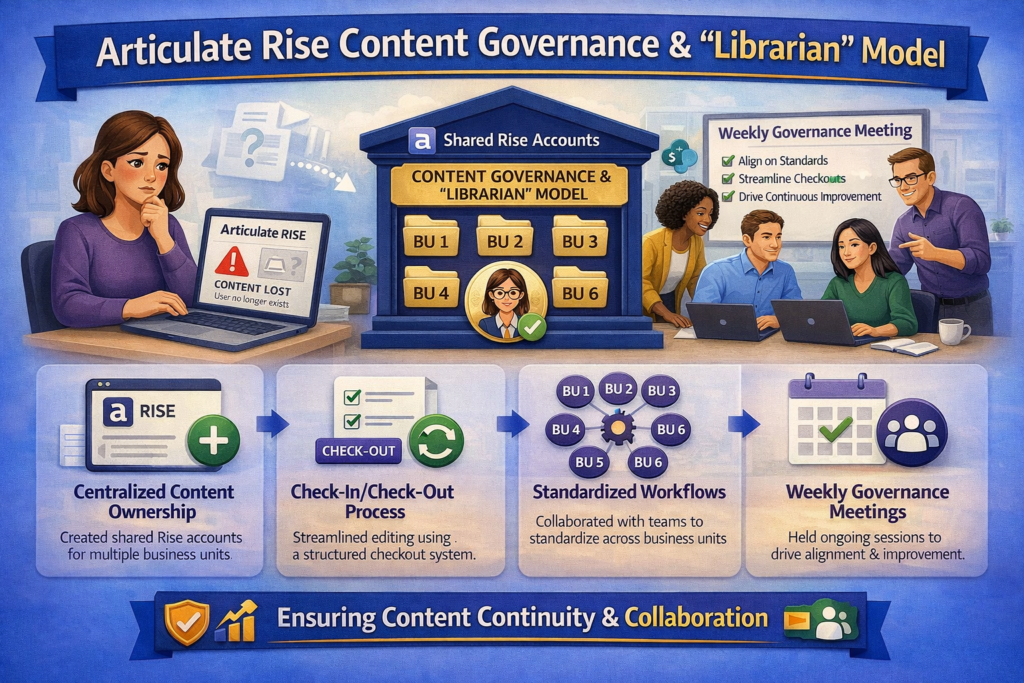
The management team determined the root cause as a lack of ownership structure and governance and introduced a centralized “librarian” model to ensure content continuity. I established dedicated, shared Rise accounts for each of the six business units, allowing content to remain accessible regardless of individual employee turnover. To support this model, I partnered with instructional designers across teams and implemented a structured check-in/check-out process for course editing. I also initiated and led weekly working sessions to align on standards, define roles and responsibilities, and resolve any challenges.
The Solution
- Implemented a centralized content ownership model using shared Rise accounts
- Established a check-in/check-out process to manage course edits
- Collaborated with six business units to standardize workflows
- Led weekly governance meetings to ensure alignment and continuous improvement
The Impact
This solution eliminated the risk of losing training content due to employee turnover and significantly reduced the need to recreate courses. It also improved collaboration, consistency, and efficiency across teams.
03/26/2026